


Why Techs use the Buff Browz app
Back-in-stock alerts
A notification the moment your product lands back in stock, before it sells out again.
Early access to drops
Launches and sales open on the app first, hours ahead of the website.
Create your wishlist
Save your favourite products in one place.
Every order, tracked
Order history and live tracking in one tab, so you always know what is on its way.
and much more..
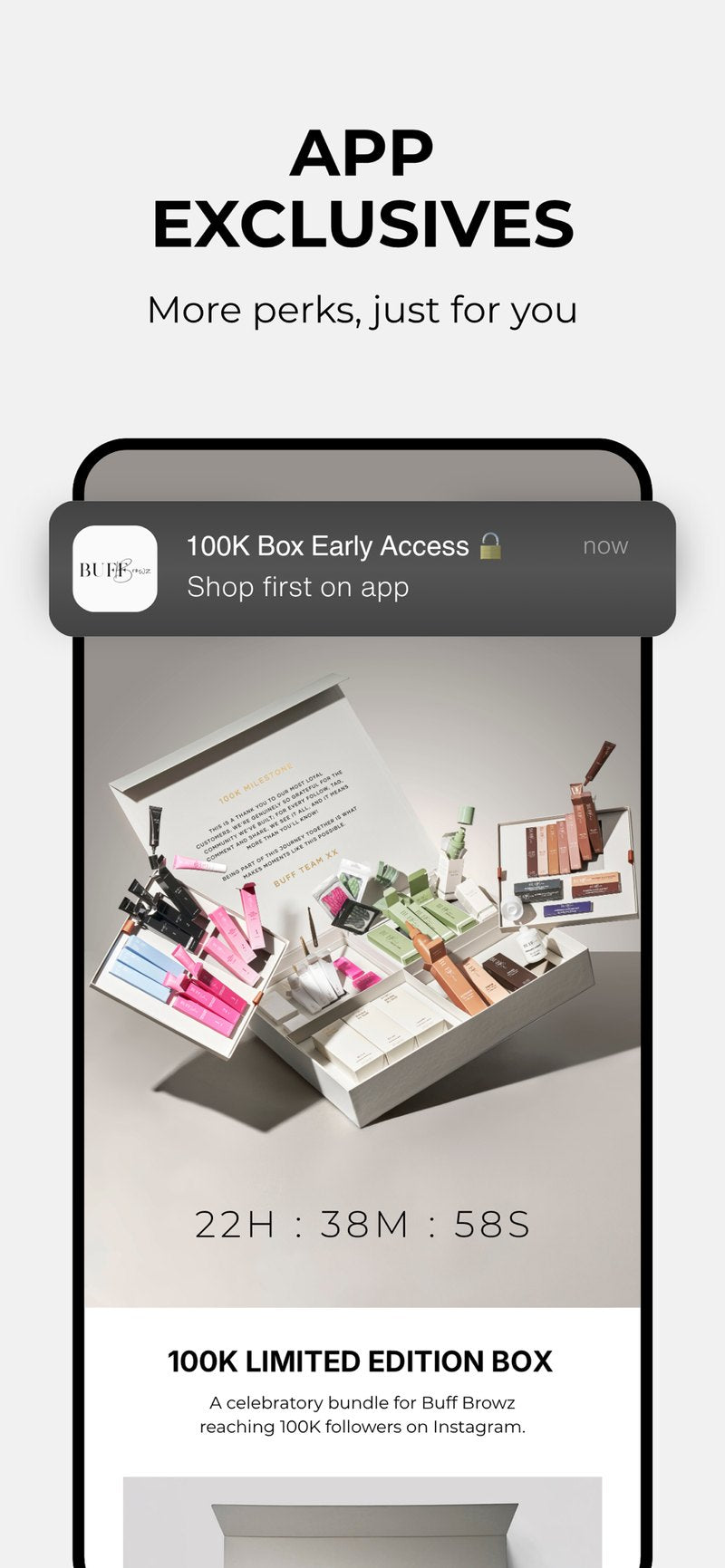 App-only drops and early access
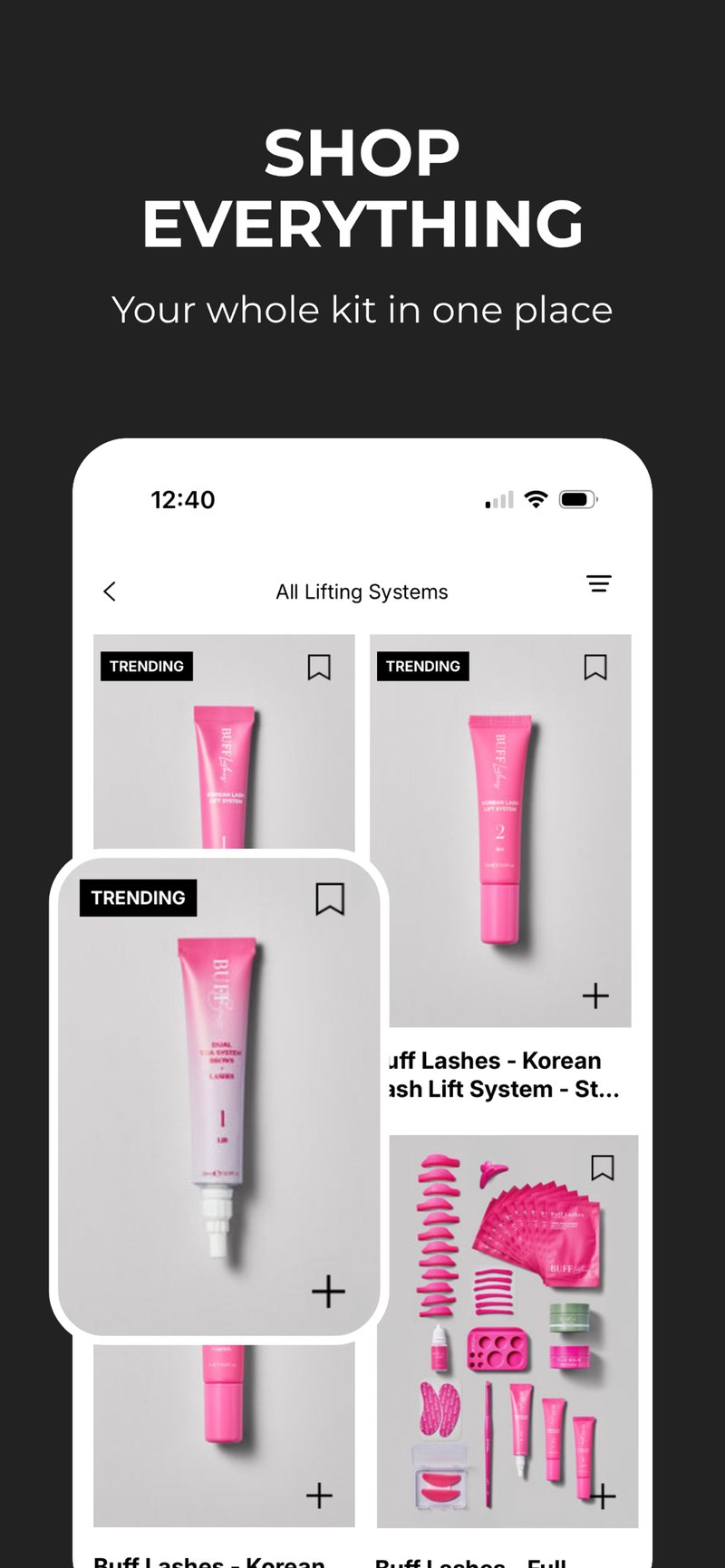 The full range in one place
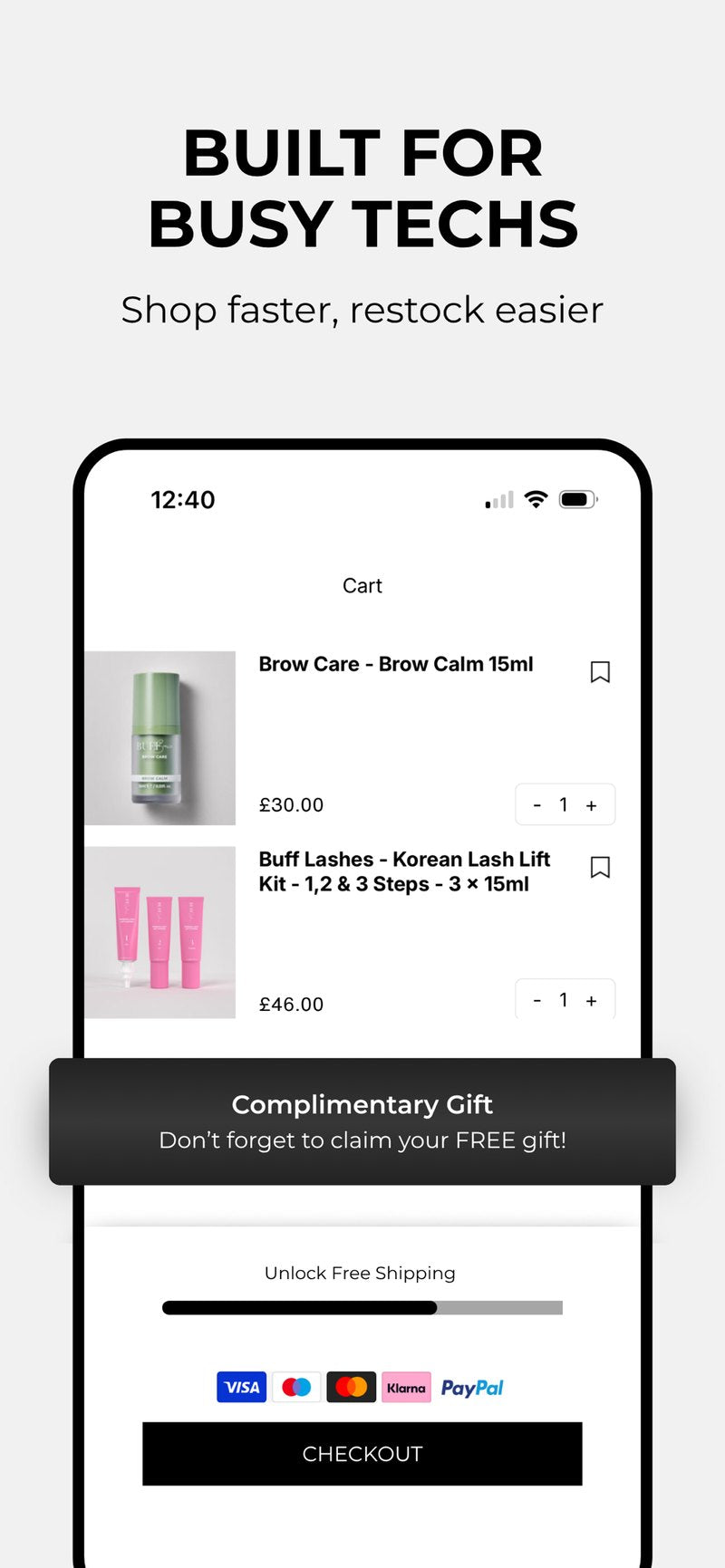 Two-tap checkout
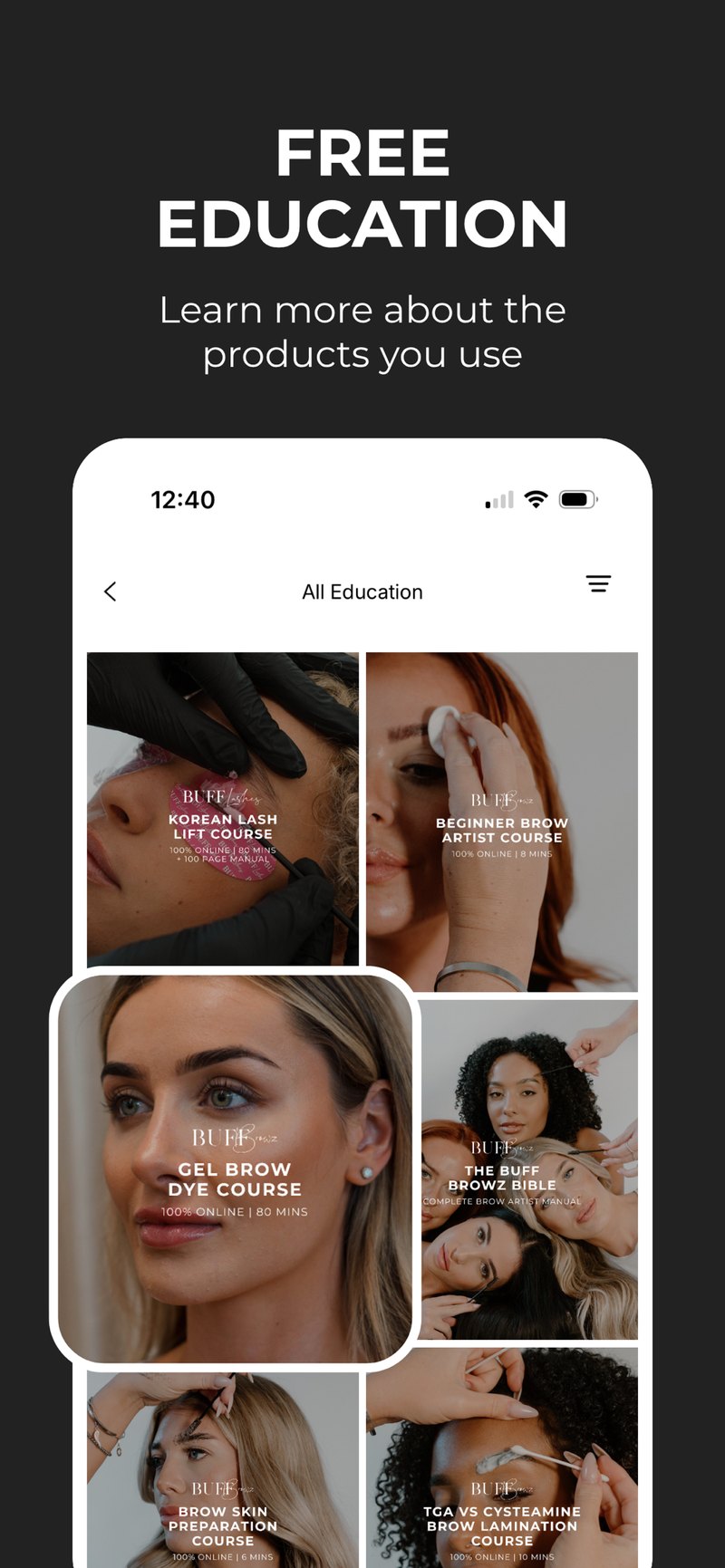 Free professional education
Buff Browz app: your questions answered
Is the Buff Browz app free?
Yes. The app is free to download on both the App Store and Google Play, and free to use. There is no subscription, no membership fee and no minimum order. You only ever pay for what you buy.
Do I need to create a new account?
No. Sign in with the same email address you already use on buffbrowz.co.uk and everything comes with you. If you have never ordered from us before, you can create an account inside the app in under a minute, or check out as a guest.
Will my order history carry over?
Yes. Your past orders, saved addresses and payment details are tied to your Buff Browz account, not to the device. Sign in and your full order history is there, ready to reorder from. Anything you buy in the app also shows on the website, and vice versa.
Are app prices different to the website?
The core range is priced the same. What is different are the app exclusives: app-only discounts, a free gift on app orders, and early access to launches and sales before they go live anywhere else. Notifications are how you hear about them first.
How do I turn off notifications?
You can turn them off at any time. On iPhone, go to Settings, scroll to Buff Browz, tap Notifications and switch Allow Notifications off. On Android, go to Settings, Apps, Buff Browz, Notifications. You can also manage them from the account area inside the app.
Which devices are supported?
The app runs on iPhone and iPad with iOS 17.0 or later, and on Android phones and tablets through Google Play. If your device is older than that, buffbrowz.co.uk works in any mobile browser and gives you the same range and the same account.